Category Archives: Reference

Sort of a deluxe cheese crispi sort of a thing

In which there’s a recipe.

I’ve been eating these all week.

IMG_20160623_175326_kindlephoto-297278584

They’re really just bean tostadas, but you should make some anyway because they’re fantastic.

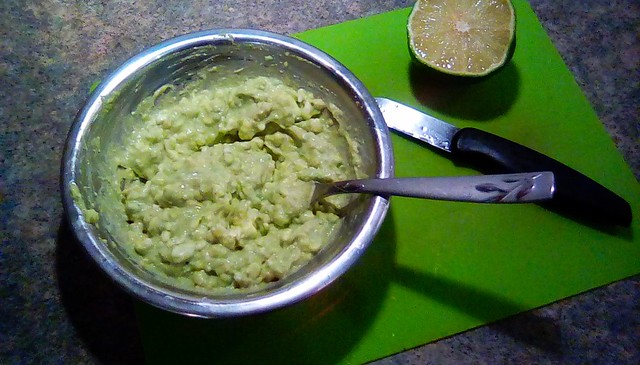
This is a strange but delicious guacamole. Make some. (Click on the pic for the recipe.)

Cottage Cheese Guacamole

Now put it in the fridge to chill.

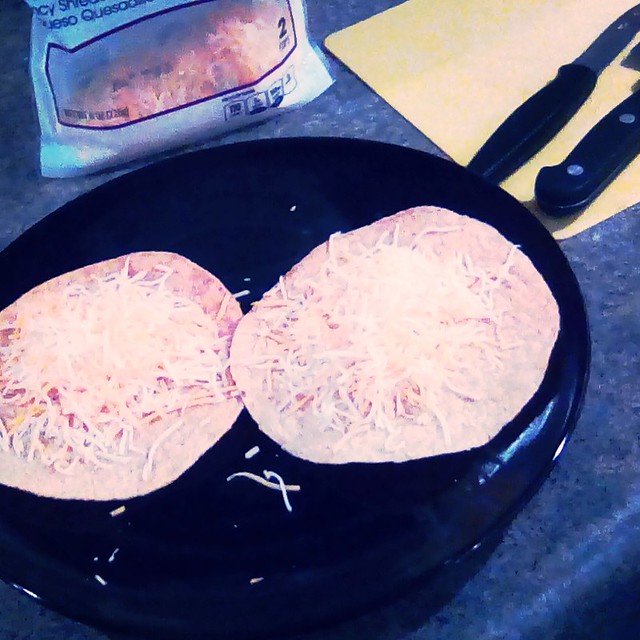
Put some grated cheese — I used a Mexican three-cheese blend — on a fried corn tortilla/tostada shell.

IMG_20160623_174836

Nuke until melted. I do mine for 33 seconds.

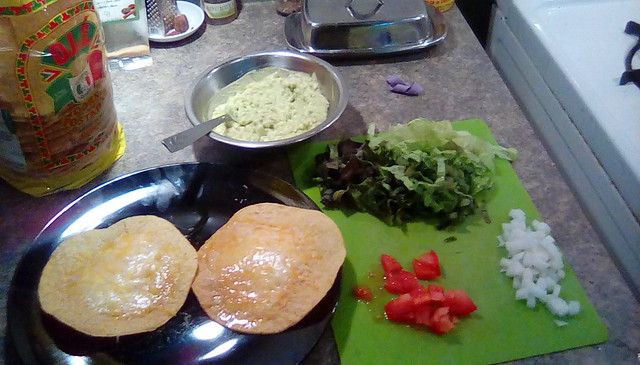
IMG_20160623_175058

Top with, in this order: bubbling-hot refried beans (black, ideally, but I had regular refried pinto beans on hand), diced onions, salsa or hot sauce, shredded lettuce, a dollop of the cottage cheese guacamole, and diced tomatoes.

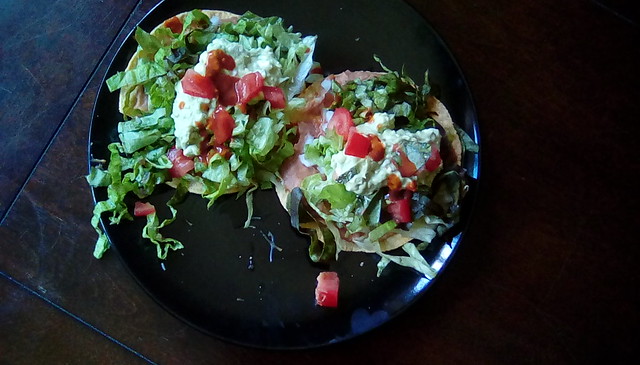
Eat your tostadas.

IMG_20160623_175305

Here’s a salsa recipe, if you want one. (Click on the pic for the recipe.)

Salsa Roja Recipe

On the cult of printed books.

In which I’m kind of a dick about people trying to wean themselves off of their identification with their belongings (which is a very important stage of development, of course, but seriously, this has to be the hundredth blog post I’ve read about how deeply attached bitches are to their Harry Potter books, and I’m like, You were literally raised in the cheap portable personal electronics age, and your attachment to books, to actual paper printed books, is, compared to those who went before you and truly used books in a way you never needed to, tenuous at best, and yet here you are talking like you were a monk illuminator who just watched his whole life’s work burn to the very ground).

I love to read, but this maudlin affectation about book collecting currently infecting our group consciousness is getting silly. “I really love books!” is turning into some sort of off-kilter, past-worshiping, item-hoarding cult. We get it: you love the smell of books and the feel of a favorite volume in your hand. So does everybody else. Shut up already.

The vast majority of books you read aren’t that good, and won’t need to be read again. And reference is all online now, you don’t need encyclopedias or dictionaries or histories. You can put a thousand years of human knowledge on a single eReader, but you’ll still probably read throw-away pop fiction. (Not that there’s anything wrong with that!)

The old fashioned library is dying, and in many ways, yes, it sucks, but let it go. Jesus. The TERRIBLE STRUGGLE you go through trying to pare down your embarrassment of stuff, to minimalize, to quit decorating with books you’ve never even read, truly verges on the absurd. You’re having crazy romantical identity feelings about a particular style of inanimate object. If you talked like this about rolls of aluminum foil, we’d tell you to see a specialist.

(I realize the analogy breaks down, because while aluminum foil is incredibly useful, it’s not potentially filled with knowledge in the same way a book is, but books aren’t dying: the format is changing. As are our lifestyles: we don’t have family seats where libraries can live for generations; we move every few years. The energy expended in moving a library of paper books that you could store on a six ounce device just for false nostalgia is wasteful. Period. And there are more books being published every day than used to be published in entire years.)

I get that it’s hard the first time, when you’re ten or eleven or so, and, because you spent all Saturday fucking off and not cleaning your room, your dad stuffs “everything that isn’t schoolwork or clothing,” meaning all your books and toys, into trash bags and throws it all out: yeah, you’re a kid, and you cry because you just lost your purple teddy bear for disobeying, and losing your beloved things is hard.

But if you’re old enough to have a book collection, you’re old enough to know that you are not your stuff, and that reading itself, that magical alchemy in which somehow an entire world fits inside you and lives there, isn’t going away, and everything in your books and papers can be digitized and stored in a smaller, lighter, more easily searchable format, and your maudlin attachment to a data format is too forced and common to really seem genuine.

books

I recently started learning how to make bread. It turns out that holding a ball of soft, living bread dough in your hand feels an awful lot like holding a book: it’s an act that belongs to everyone of us, it reaches backwards and forwards through time, it contains potential, it nourishes, and, honestly, you really have only a vague idea of how it’s going to turn out.

All of which is to say, hey, if getting rid of some treeware is truly heartbreakingly difficult for you, then you’re basically a Disney princess in terms of level of real world difficulty. Lucky you!

Restart HTTPd on a RAQ

How to kill and restart HTTP service on a Cobalt RAQ web server.

Ya need to be logged in as root. At the command prompt, type:

tail /var/run/httpd.pid

It’ll return the process ID, eg. 2739. Then type:

kill -HUP 2739

HTTP should come right back up.

Link: Understanding tracert

Interpreting Traceroute Results is a good primer if you think you understand what tracert’s really doing but don’t: “When using ping or traceroute as troubleshooting tools, consider ping a good way to determine connectivity, traceroute a good way to determine path and connectivity but neither should be used as the final say in determining the cause or location of latency.”

DNS, Cobalts, Web Sites, etc.

These are my training notes from when I transferred into Engineering in 2002 or so. I keep them on the web because I still refer to these now and again… generally for Unix commands I’ve spaced. Heh!

DNS FOR NEW WEB SITES – NEW WAY

cd /usr/local/bin

./add_domain domain.com ipaddress

./add_domain domain.com IP.IP.IP.IP

cd /etc/namedb

vi domext.db

:%s/86400/300/g (‘g’ to change refresh/TTL globally)

/usr/local/bin – ./remove_domain dom.ext (remove and rename to domext.old.db)

DNS FOR NEW WEB SITES – OLD WAY

1. In FM db, locate next In Process record.
2. Check whois to determine if the domain is available.
(a) Use F9 on Madison, and/or
(b) Use whois at OpenSRS or at Network Solutions.
3. Go here and apply for the domain name.
(a) Choose Place Order Manually. Enter the request for the domain name.
(b) Always copy the domain name from the FM record to avoid typos.
(c) Contact email is always admin-at-lisco-dot-com
(d) For renewals:
i. Check on the primary DNS server first, to see that the record is really expired.
1. F9 and domain name
ii. If they want it renewed for more than one year (the default), remember to change it after it’s been approved.
4. Update the FM record with the application info.
(a) Remember to copy the SRS ID number back into FM db.
5. Get the next available IP address.
(a) cd /etc/namedb
(b) vi XXXX.XX-rev.db
(c) add a new record at the bottom of the file:
i. Ctrl-F to page down
ii. o to create a new line and start with insert mode
iii. Copy info on preceding line (or type it in)
(d) Write down the new domain’s IP address.
(e) Update the serial number (page up is Ctrl-U)
(f) 😡 to Save the file.
6. Edit/update all three DNS servers.
(a) vi /etc/named.conf
(b) Find the entry alphabetically preceding the new domain (/domain_name to find) and copy it.
i. Ctrl-F to page down
ii. 5yy (DNS1) or 8yy (DNS2, DNS3) to yank lines
iii. Insert the copy (P to paste).
(c) Update the new entry with the new domain’s info.
i. Delete the old name (dw = delete word)
ii. Shift-Ins the domain name (copied from FM)
iii. Verify the type of domain (ex. .com, .org, .net)
(d) 😡 to Save the updated file.
(e) On DNS1, copy the temp file and make a new db record for the new domain name
i. cp temp.db domain.db
ii. vi domain.db
1. :%s/temp/domain/g
2. If a suffix other than .com:
a. :%s/domain.com/domain.net/g
b. change the “com” on the ORIGIN line to proper suffix.
(f) Change IP by adding the final octet
(g) Change/update serial number
i. r for replace
(h) 😡 to Save the updated file.
(i) After completion, reload all three (F11) on DNS1.
i. dbreload
7. Check log for errors on all three servers.
(a) cat /var/log/daemon.log |grep domain
8. Create the site on web server.
(a) Go to http://webserver_name/admin/ and add a virtual site.
(b) Add a user.
i. Get the requested username and password from the FM record.
ii. Make sure you give this user admin access.
(c) Test the site.
(d) Email welcome.
9. IF the site is to be FrontPage enabled, telnet into web server and enable FrontPage extensions.
(a) Enable FrontPage.
(b) Enable subwebs.
10. Do a whois a day or so later to determine that the application is complete.
(a) F9 then type domain name.
(b) Email welcome domain when the domain is active in whois.
(c) Change status in FM to Active.
Continue reading DNS, Cobalts, Web Sites, etc.